(01) The tools
06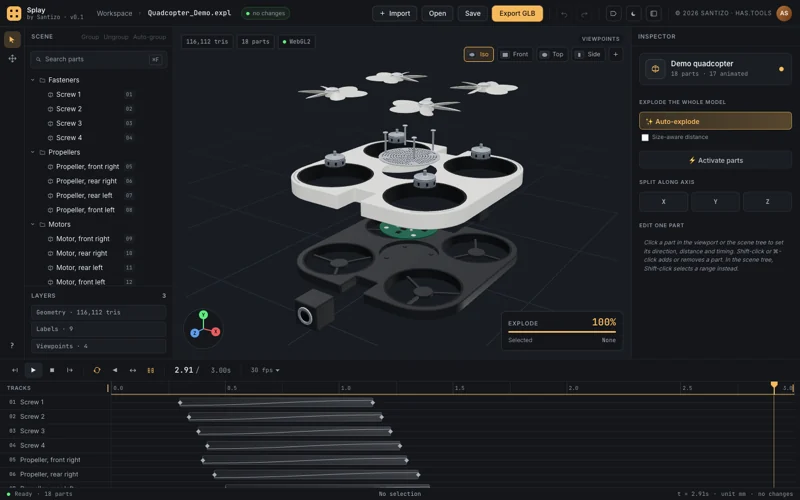
Splay Exploded views of 3D models, animated on a timeline
AnimationExploded views usually mean hand-rigging offsets, then redoing them every time the model changes.
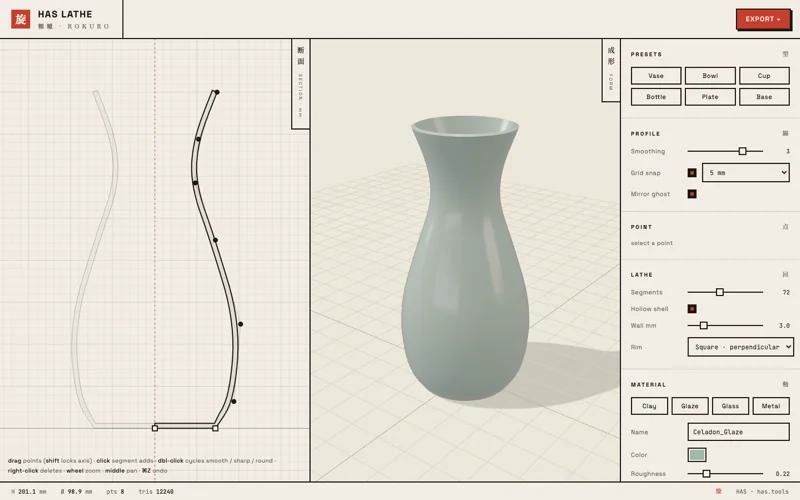
HAS Lathe A potter’s wheel for 3D models
ModelingModeling a simple vase should not mean opening a full 3D package.
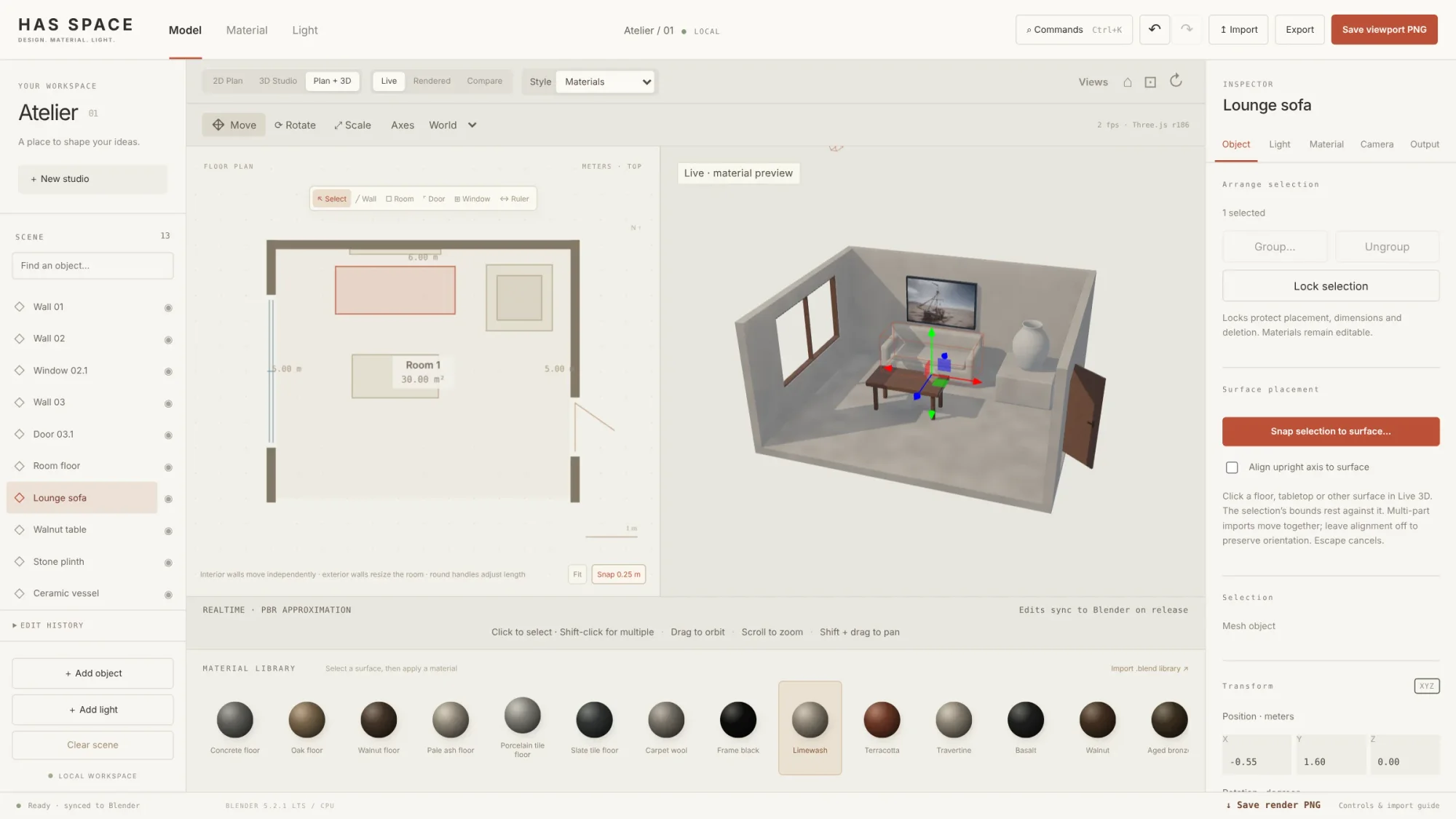
HAS Space Interiors, from floor plan to render
InteriorsSeeing art on the walls of a room that doesn’t exist yet shouldn’t take an architect’s tools. This is made for anyone.
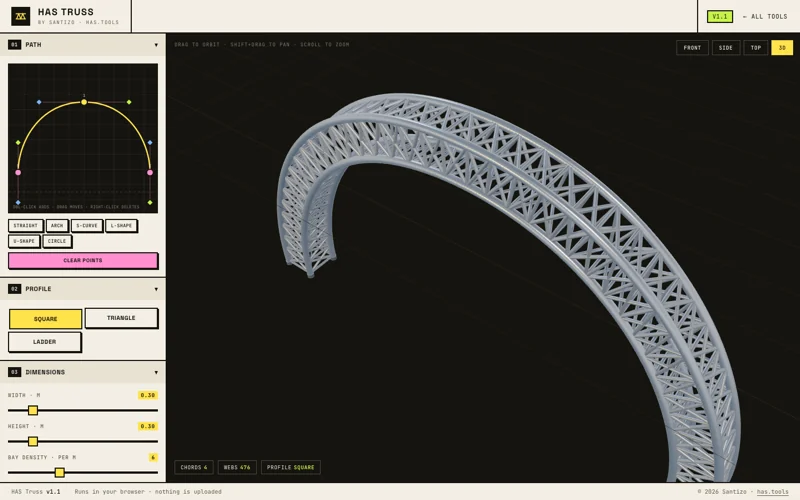
HAS Truss Draw a curve, get a truss rig
ModelingTruss is in every stage and exhibition render, and tedious to model by hand. Along a curve it gets worse.
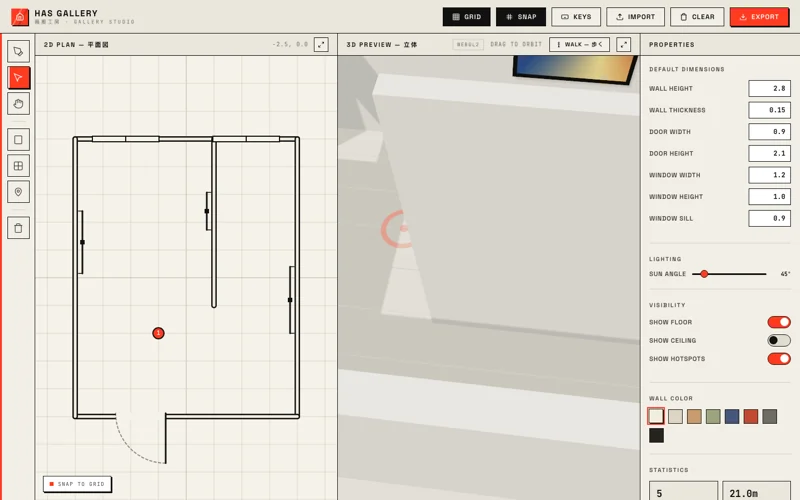
HAS Gallery Draw a gallery, walk it, hang the art
SpacesPlanning a show usually means graph paper or a full 3D package. This sits in between.
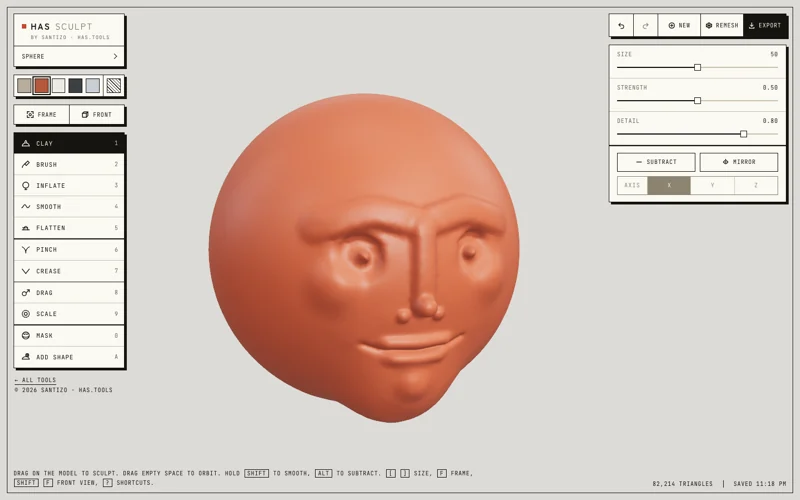
HAS Sculpt Digital clay, right in the browser
SculptingBlocking out a head or a rock shouldn’t start with installing a sculpting app and waiting for it to open.