santizo
← All appsApps / Splay
Splay screenshot

Splay

Making complexity visible.

Role
Concept, Creative Direction, Interaction Design, Software Development
Type
Free browser app
Version
v0.1 · prototype
Imports
STEP · GLB · OBJ
Exports
Animated GLB · PNG · MP4
Part of
HAS Tools

Vision

An exploded view is the clearest way to explain how a product works. Making one is slow.

In Cinema 4D or After Effects it means hand-rigging an offset for every part, then redoing them all when the model changes. I wanted the explosion to be something you direct, not something you rig.

Creative Direction

I treated Splay as a motion design tool, not a CAD app.

The questions are a motion designer’s. Which parts separate first? How far, and in what order? How do you show how everything fits together without overwhelming the viewer?

Execution

Splay runs entirely in the browser and reads real CAD files (STEP) as well as GLB and OBJ.

Auto-explode reads the shape of the model and gives every part a starting direction. From there it is choreography: stagger parts on a timeline, ease the keyframes, label parts and bookmark the camera angles. Everything stays editable, and nothing is uploaded.

Outcome

A working prototype, free at has.tools.

A product model goes in. An animated exploded view comes out, as a GLB for any 3D pipeline or web viewer, or rendered as a PNG or an MP4.
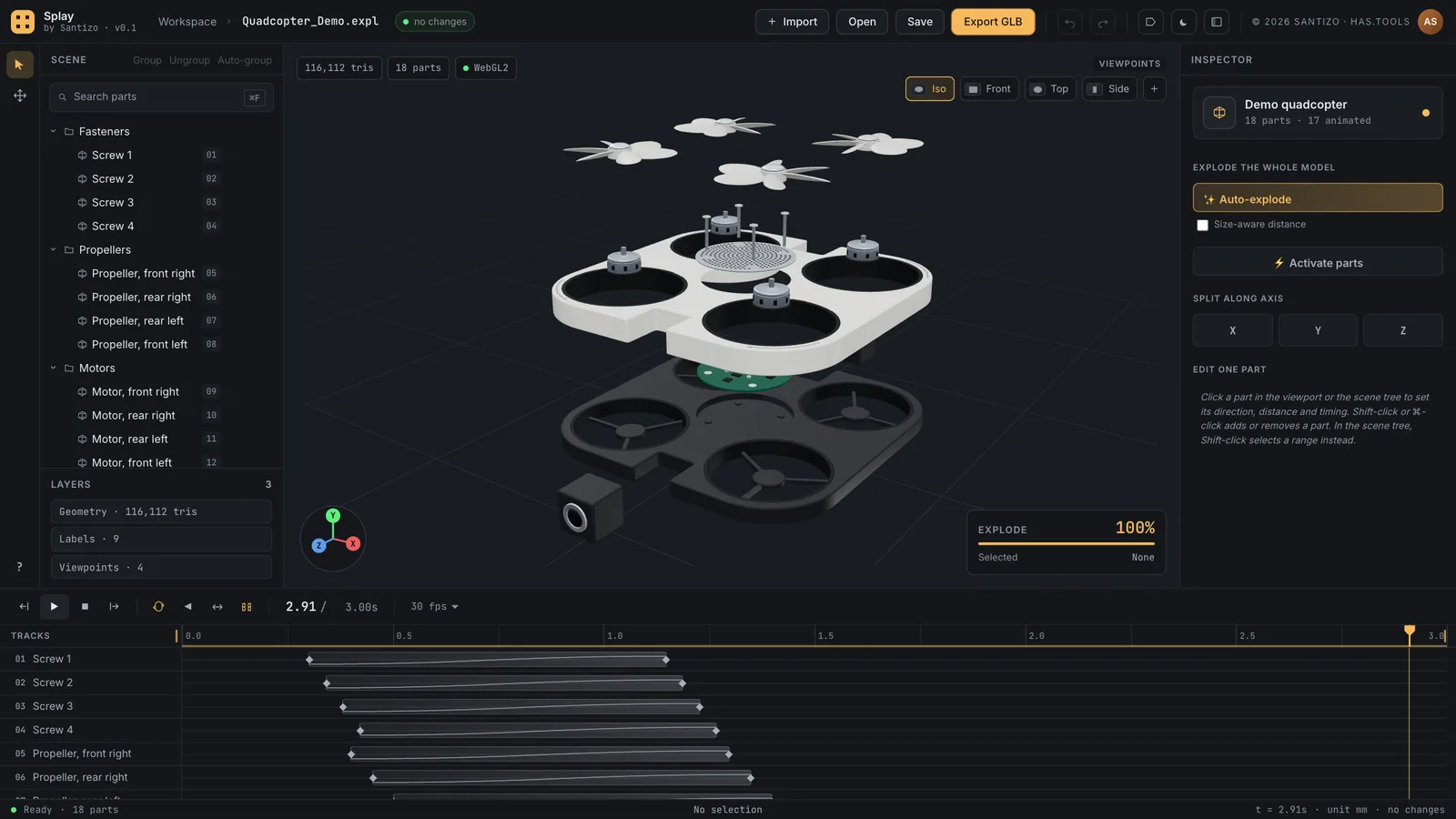
Splay: the scene tree on the left, an exploded camera drone in the viewport, the inspector on the right and the timeline below
Fig. 01The studio: the parts on the left, the exploded drone in the middle, the timeline below.

(01) What it does

06

01

Auto-explode

One click gives every part a starting direction. Refine any part’s vector and distance in the inspector.

02

Choreograph on a timeline

Stagger the parts, then add keyframes with easing where you want finer control.

03

Real CAD files

Reads STEP as well as GLB and OBJ, and groups the parts for you.

04

Labels and camera bookmarks

Label parts and bookmark camera angles for the money shot.

05

Take the animation anywhere

Export an animated GLB, or render the view as a PNG, an MP4 or a PNG sequence.

06

Stays on your machine

Everything runs in your browser. Projects save as .expl files, and autosave has your back between sessions.

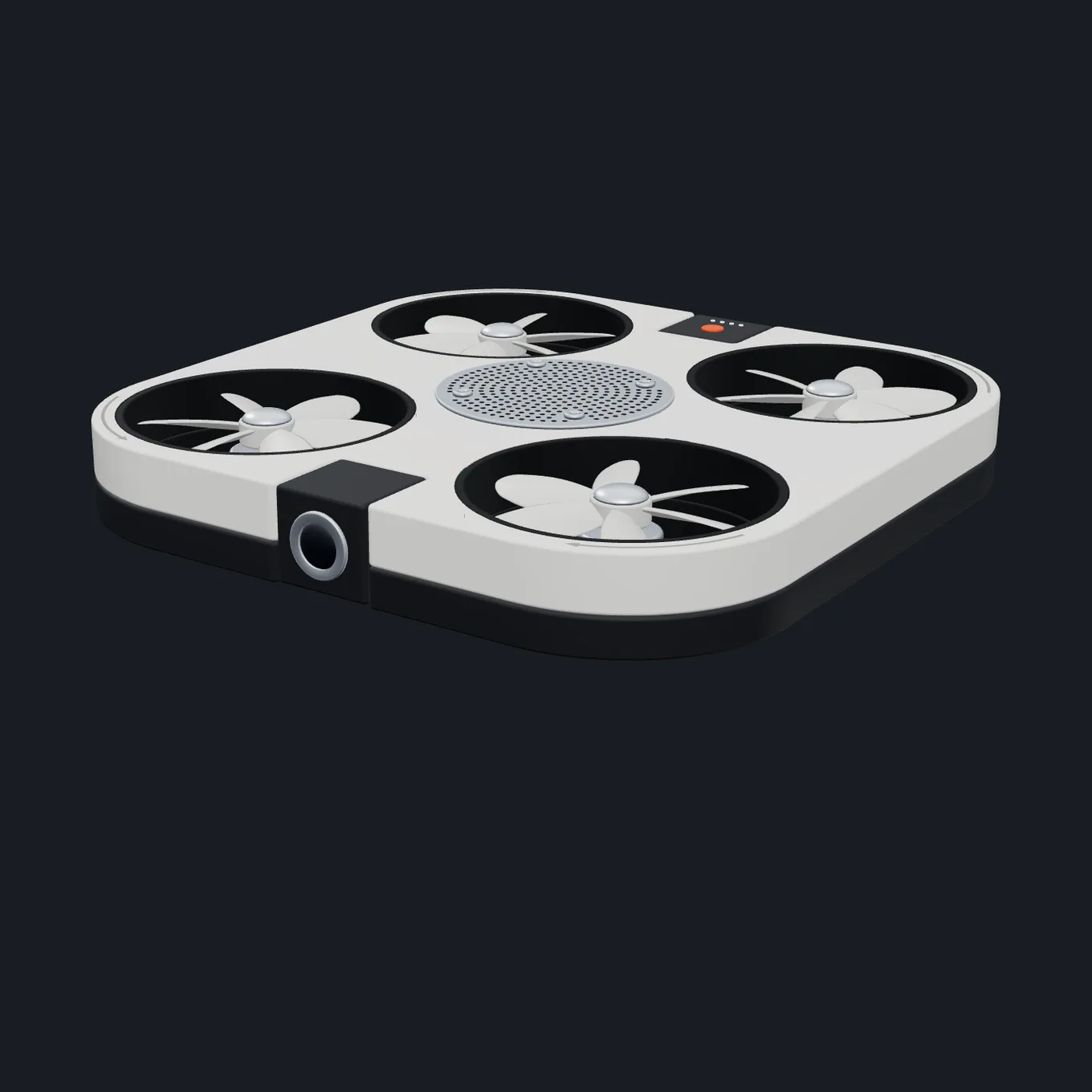
A white camera drone with four propellers, assembled
Fig. 02The demo drone, assembled.
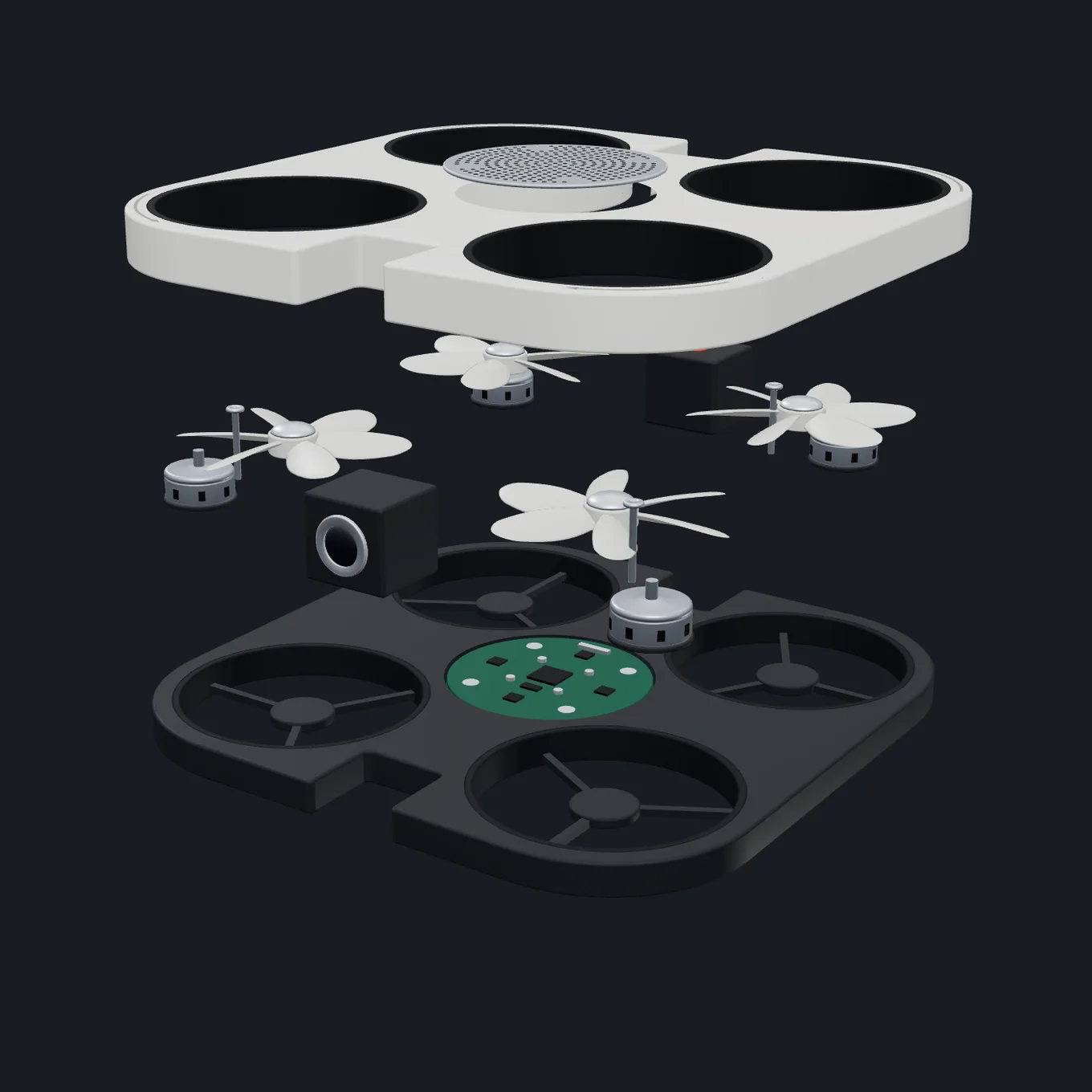
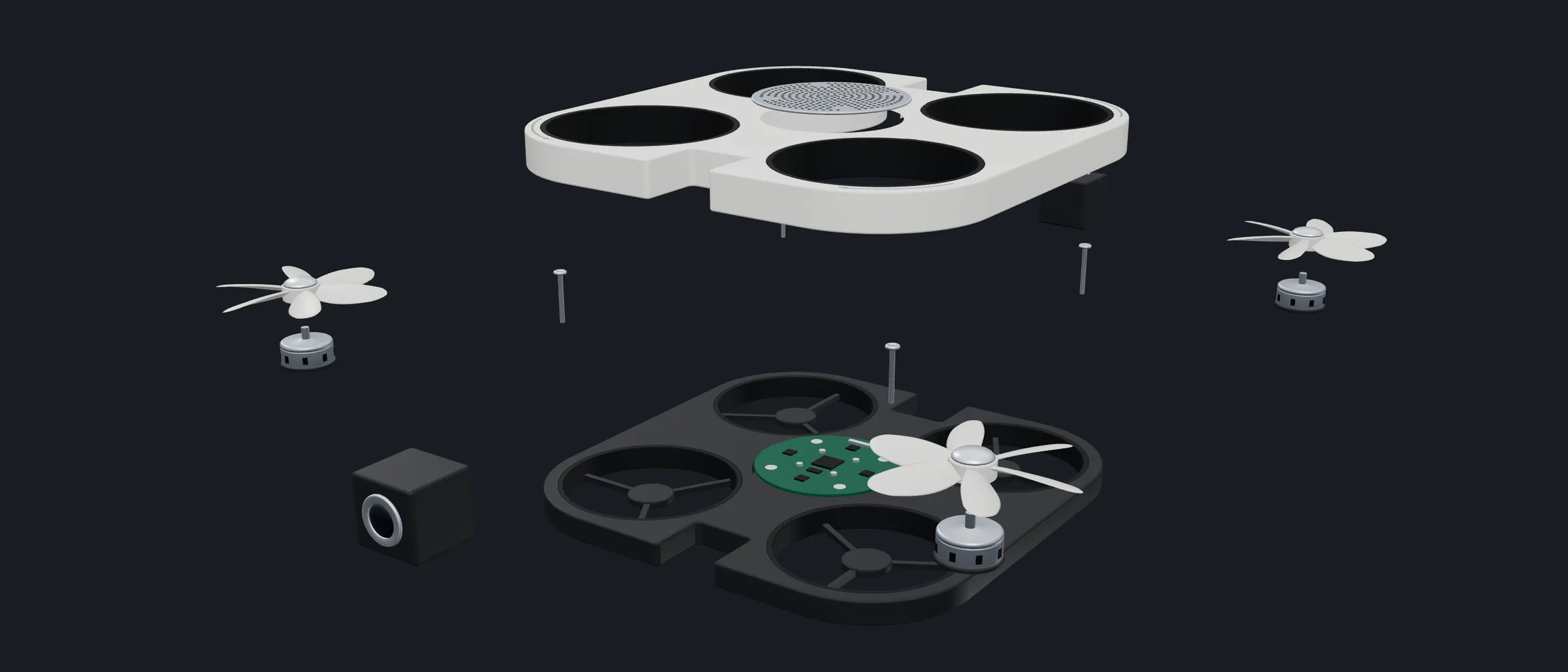
The same drone coming apart: shell, propellers, motors, camera and circuit board separating in layers
Fig. 03The same drone, a third of the way apart.

(02) Details

credits

Design and direction: Hector Augusto Santizo

Collection: HAS Tools

Price: Free

made for

Product explainers

Any 3D pipeline

Web 3D viewers

formats

In: STEP, GLB, OBJ

Out: animated GLB

Renders: PNG, MP4, PNG sequence

(03) Related

All apps →
HAS Toyline screenshot

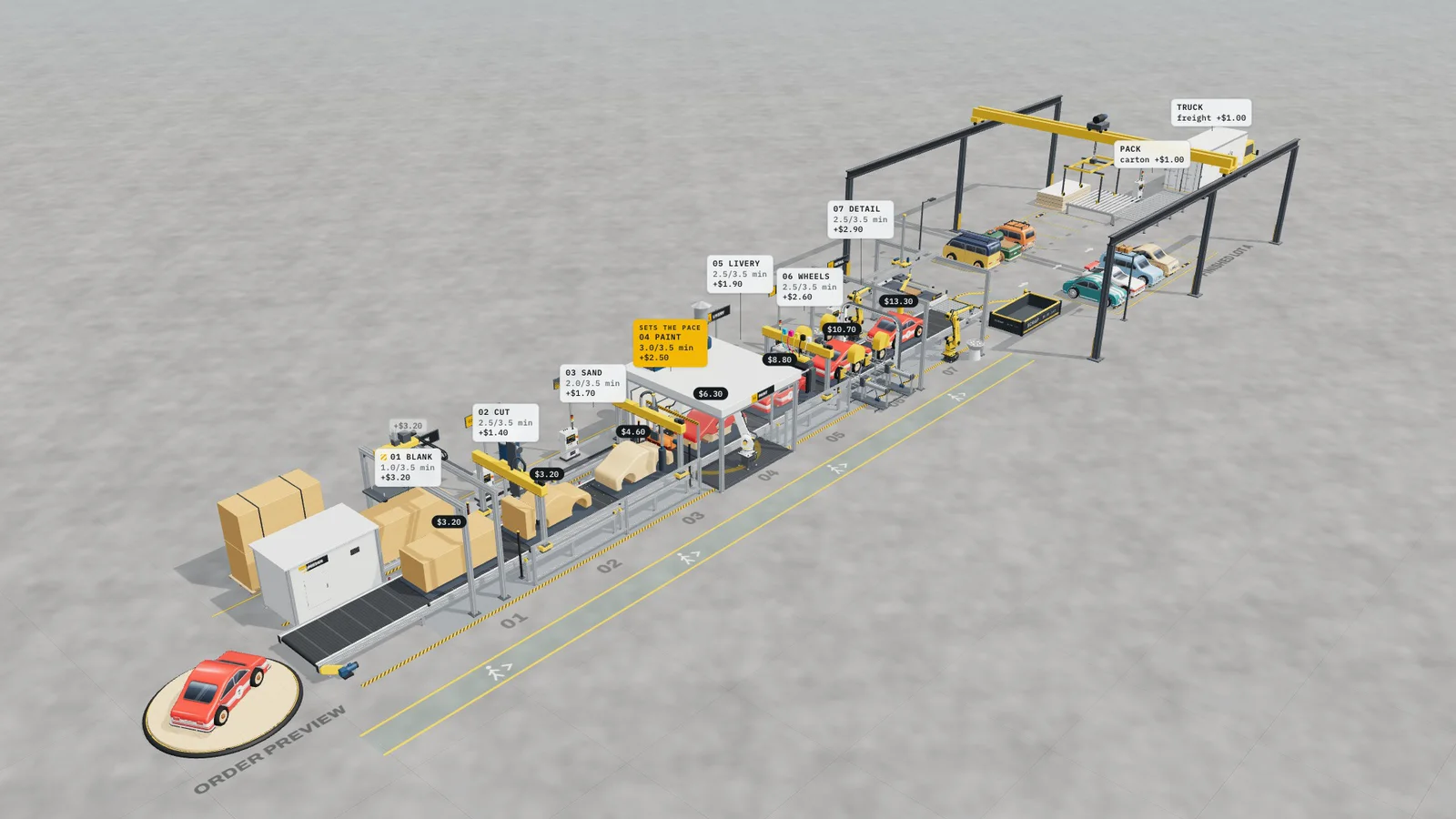
HAS Toyline A 3D assembly line, in three.js

HAS LP-19 Music printed as ridgelines

HAS Truss screenshot

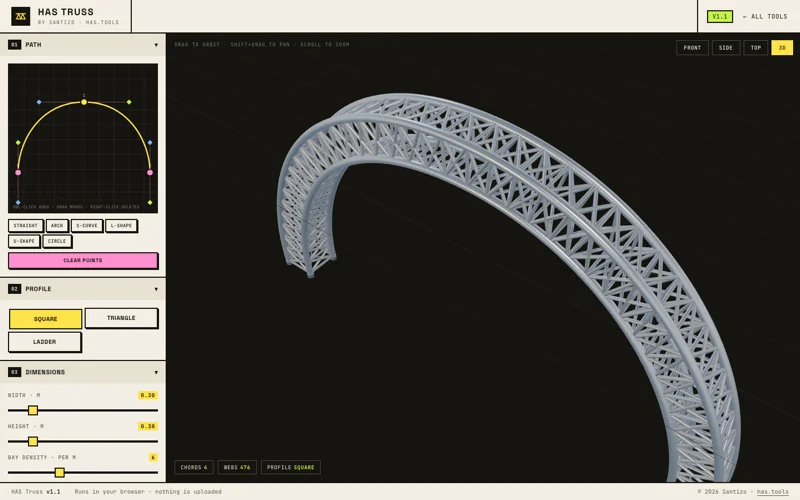
HAS Truss Draw a curve, get a truss rig