santizo
← All appsApps / HAS Sculpt
HAS Sculpt screenshot

HAS Sculpt

Digital clay, in a browser tab.

Role
Concept, Creative Direction, Interface Design, 3D Development
Type
Free browser app
Version
v2.0
Runs
In your browser, on your machine
Exports
GLB
Part of
HAS Tools

Vision

Sometimes an idea starts as nothing more than a shape.

Blocking out a head, a creature or a rock in a full sculpting app means installing it, learning it and waiting for it to open. I wanted sculpting to start as fast as the idea does.

Creative Direction

It should feel like clay: you touch the form, and the form responds.

The form stays at the center of the screen. Nine brushes, mirror symmetry on from the start, and nothing else in the way until you need it.

Execution

Under the simple surface is a full sculpting engine, built for the browser.

Detail builds only where you sculpt, so the model stays light. Masks protect what you want to keep, primitive shapes weld into the mesh, and a remesh evens out stretched surfaces. Your work autosaves, with earlier versions you can recover.

Outcome

Version 2.0, free at has.tools.

Open a tab, start from a sphere, and leave with a GLB for Cinema 4D, Blender or Unreal.
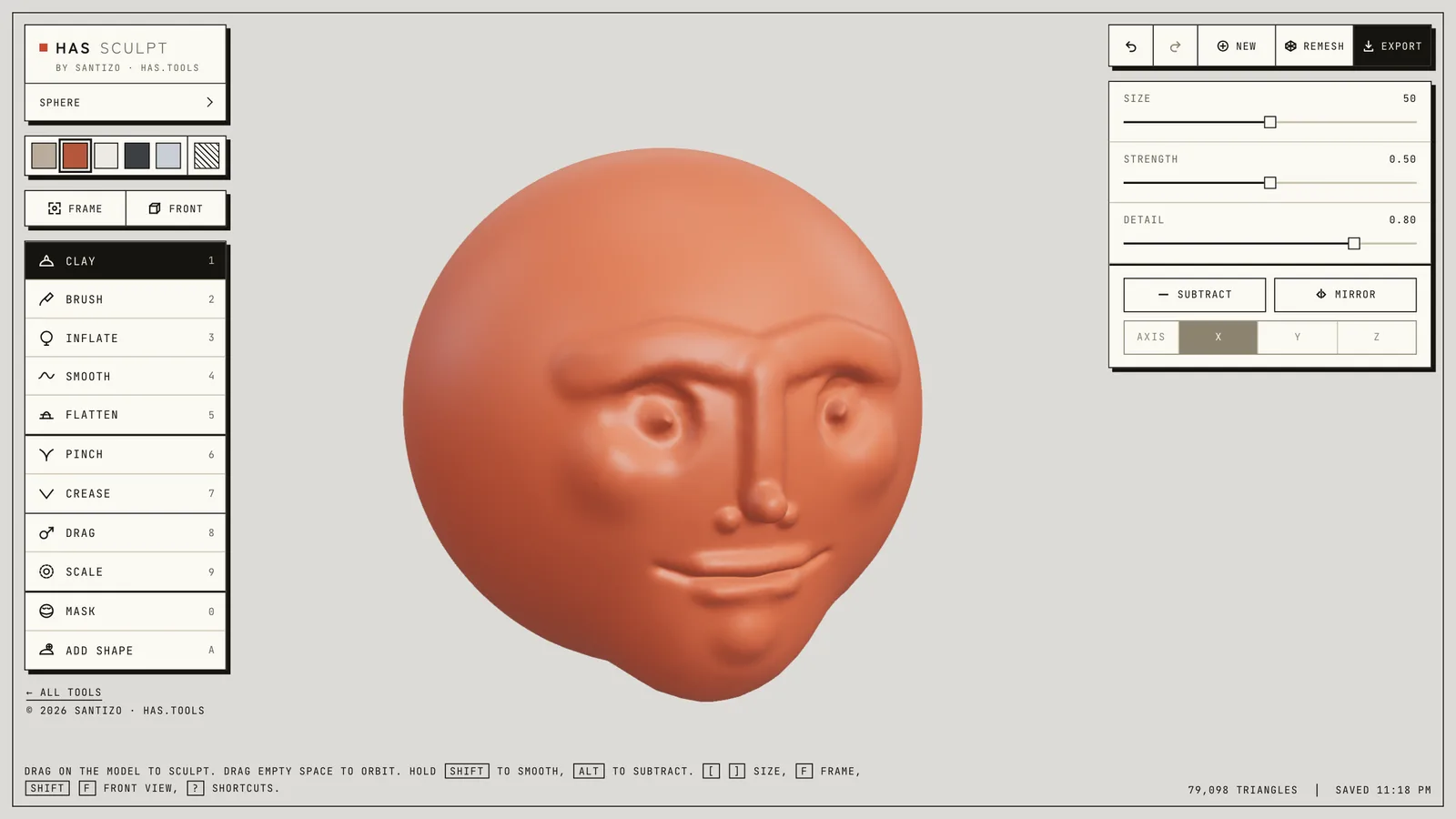
HAS Sculpt: a terracotta clay head in the middle, the brushes on the left, size, strength and mirror settings on the right
Fig. 01The studio: brushes on the left, the clay in the middle, size, strength and mirror on the right.

(01) What it does

06

01

Nine brushes

Clay, brush, inflate, smooth, flatten, pinch, crease, drag and scale, on the keys 1 to 9.

02

Mirror symmetry

On by default, on any axis. Or copy one half of the model onto the other.

03

Detail where you work

Dynamic detail adds triangles only where you sculpt. Remesh when the surface gets stretched.

04

Masks and shapes

Paint a mask to protect an area. Place spheres, boxes, cylinders, capsules or tori and weld them in.

05

Nothing gets lost

Your work autosaves in the browser, with earlier versions you can recover, and every step can be undone.

06

Stays on your machine

Everything runs in your browser. Save a project file to carry a sculpture between machines.

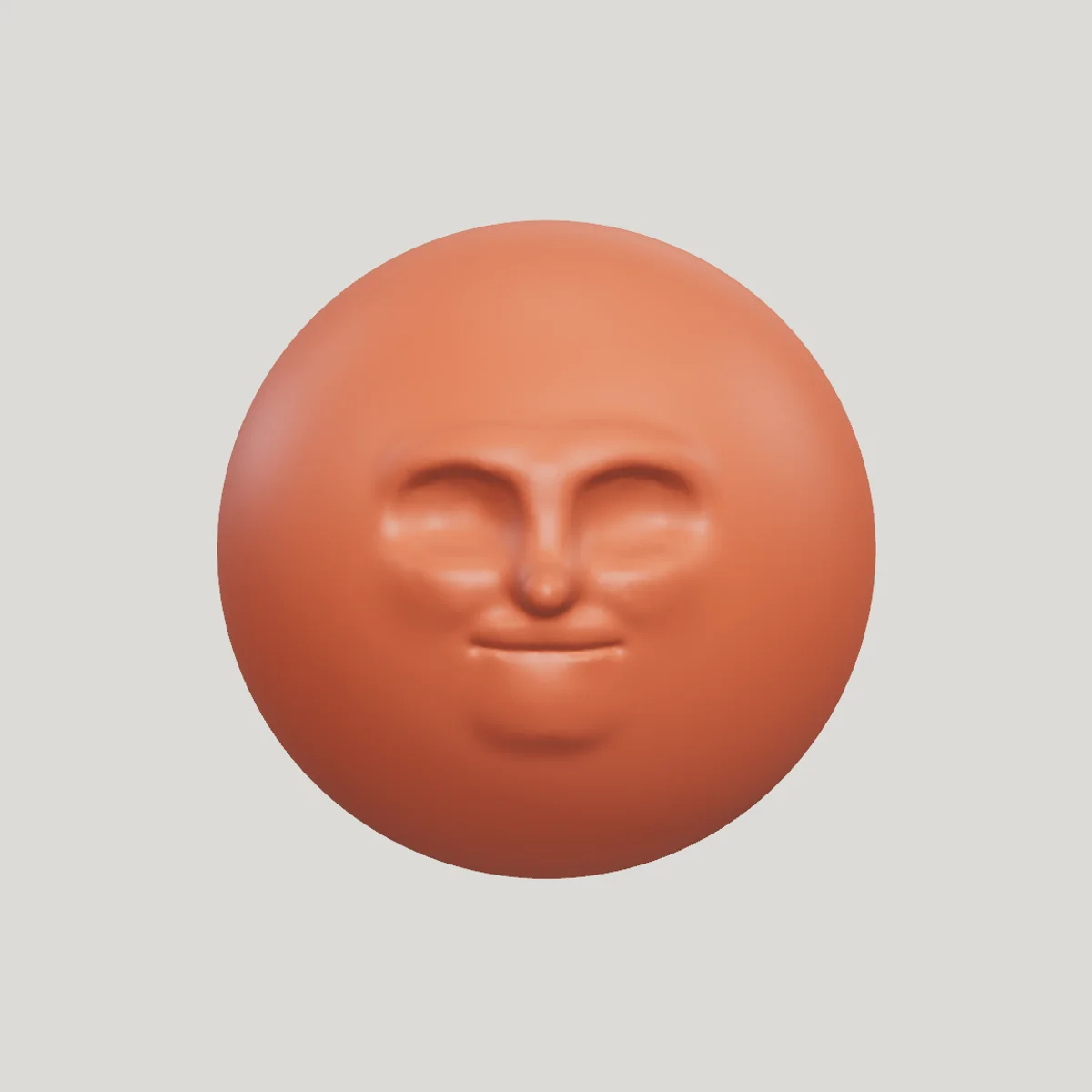
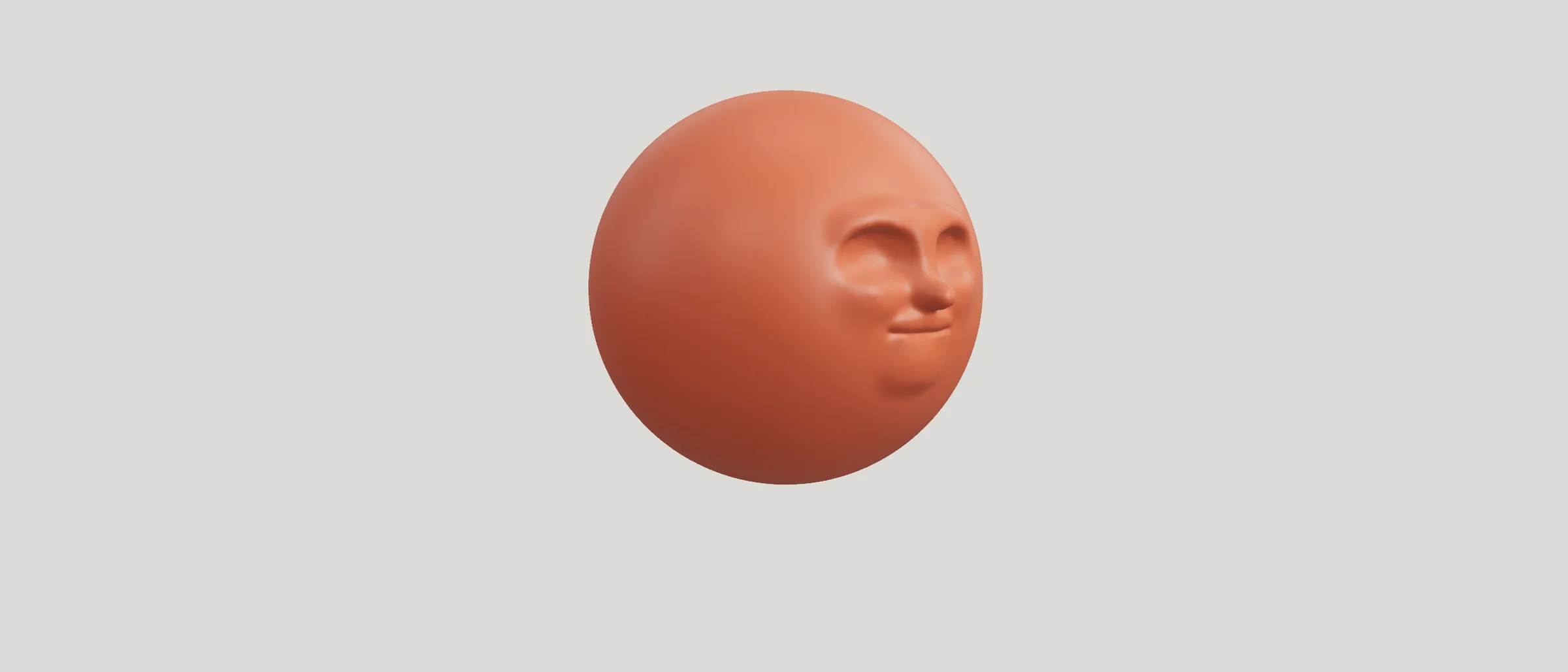
A terracotta clay head sculpted from a sphere: brow, closed eyes, nose, lips and chin
Fig. 02A head sculpted from the starting sphere, in terracotta.
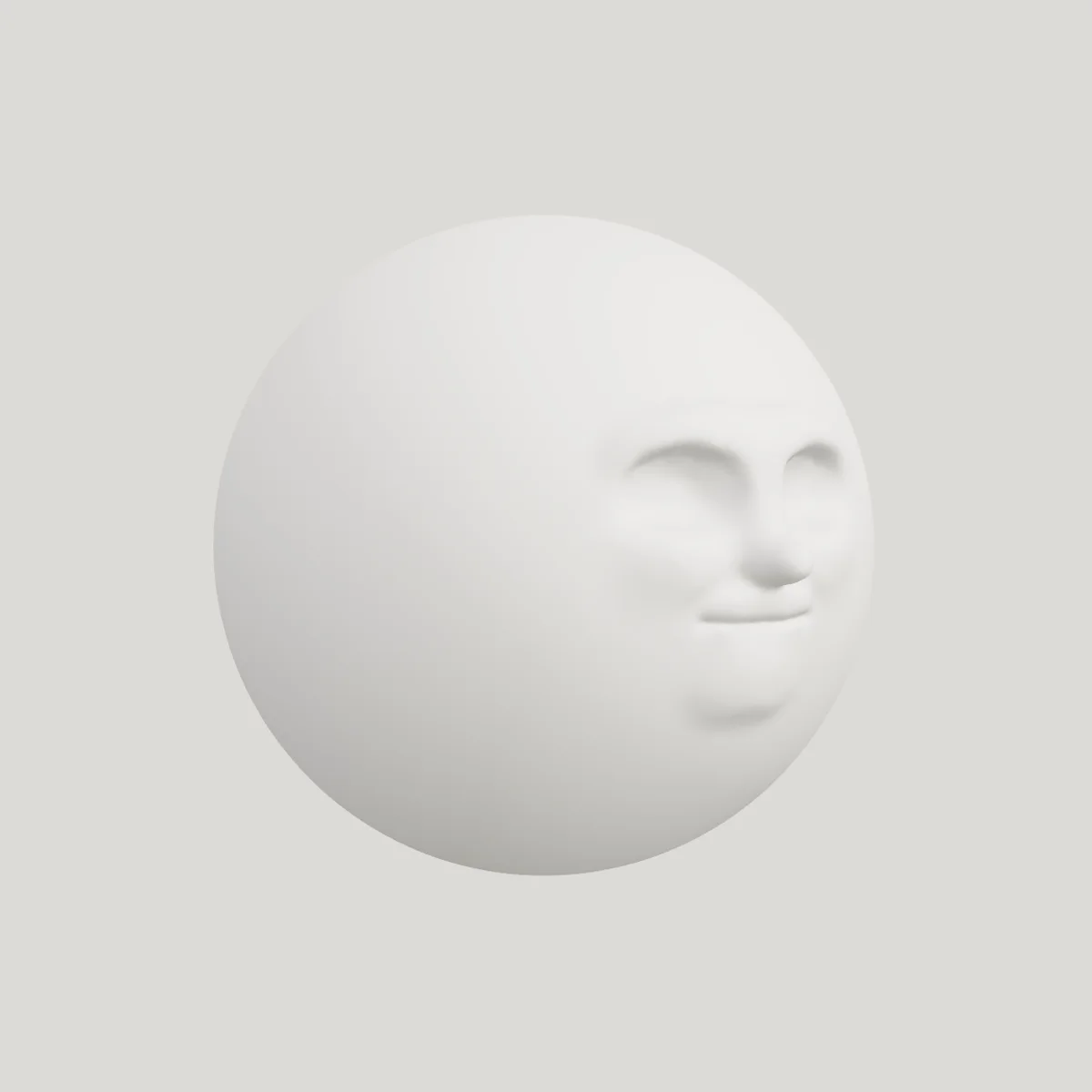
The same clay head in white plaster, turned to a three-quarter view
Fig. 03The same head in plaster, turned three-quarters.

(02) Details

credits

Design and direction: Hector Augusto Santizo

Collection: HAS Tools

Price: Free

works with

Cinema 4D

Blender

Unreal Engine

formats

Out: GLB

In: GLB

Projects: project file, autosave

(03) Related

All apps →
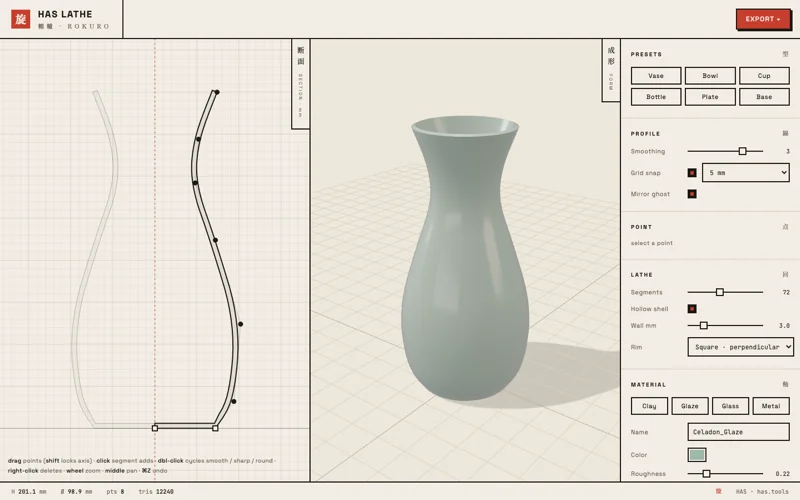
HAS Lathe screenshot

HAS Lathe A potter’s wheel for 3D models

Roboto Plasticity, Unity and C#

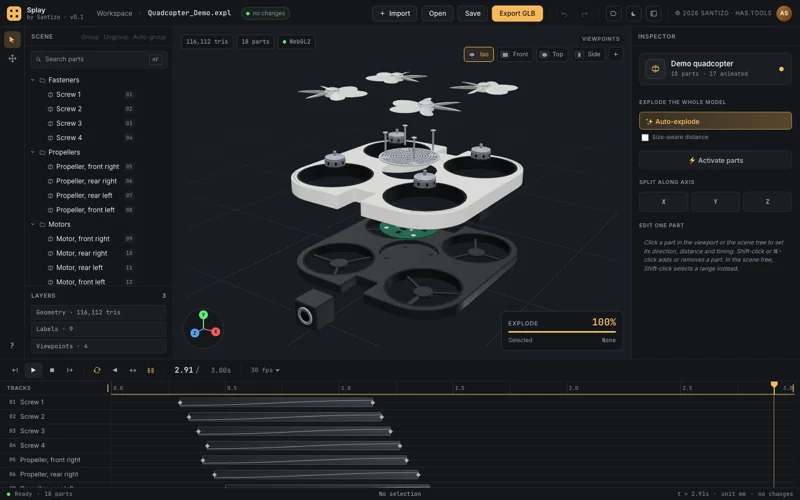
Splay screenshot

Splay Exploded views of 3D models, animated on a timeline