01
Shape the profile
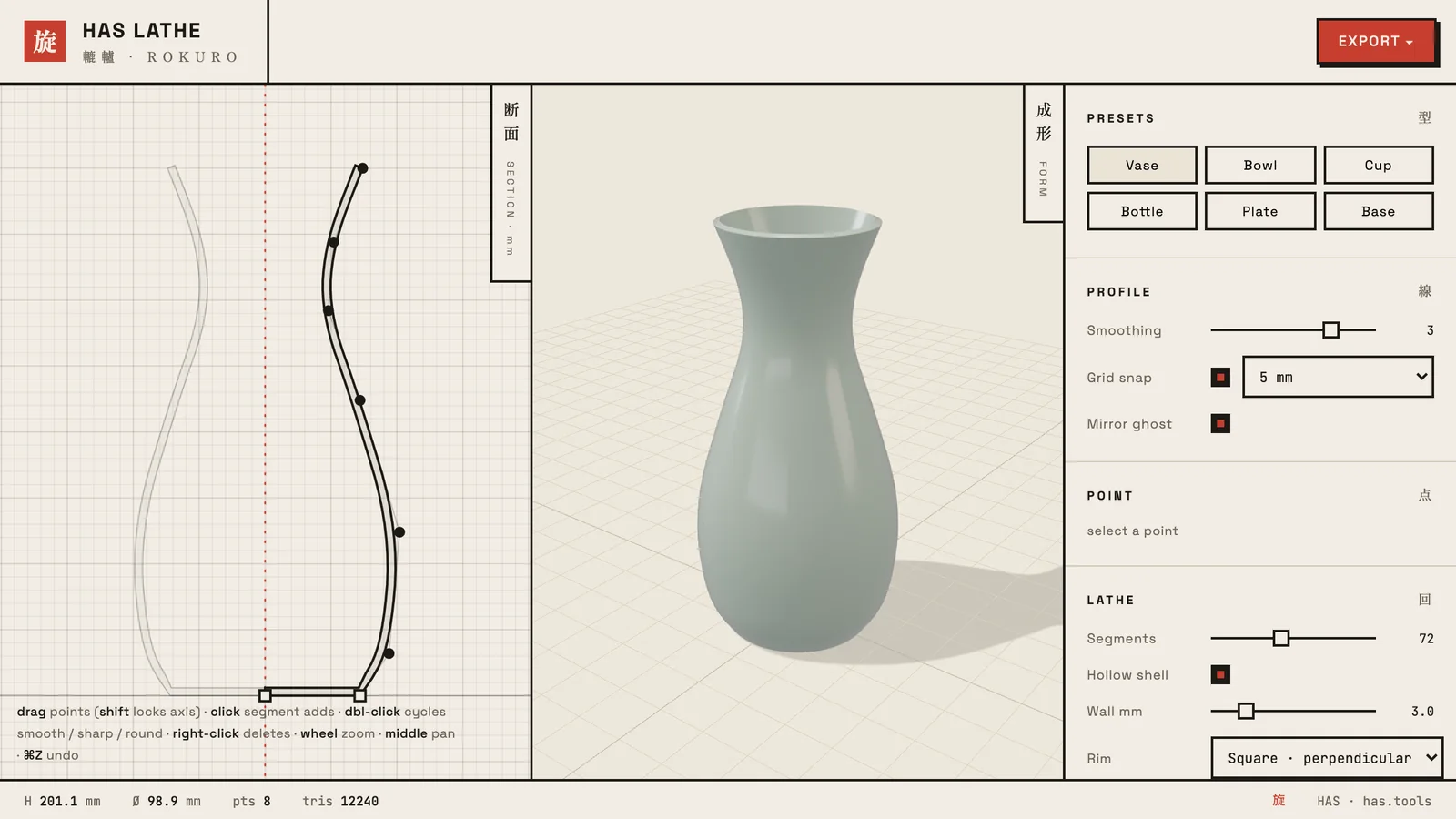
Points can be smooth, sharp or filleted. Double-click a point to cycle it, then give it its own fillet radius.
A potter’s wheel for 3D models.
Draw one section profile and get a live, revolved vessel: vases, bowls, bottles and turned props, ready for your scene.
I made HAS Lathe because modeling a simple vase should not mean opening a full 3D package. You shape one curve, and the app turns it into a clean, crease-aware mesh with real wall thickness.
It is made for set dressing, turned props and product mockups. Take the result straight into Cinema 4D, Blender or Unreal.
01
Points can be smooth, sharp or filleted. Double-click a point to cycle it, then give it its own fillet radius.
02
Walls are hollow with true thickness. Finish the rim square, flat, round or beveled.
03
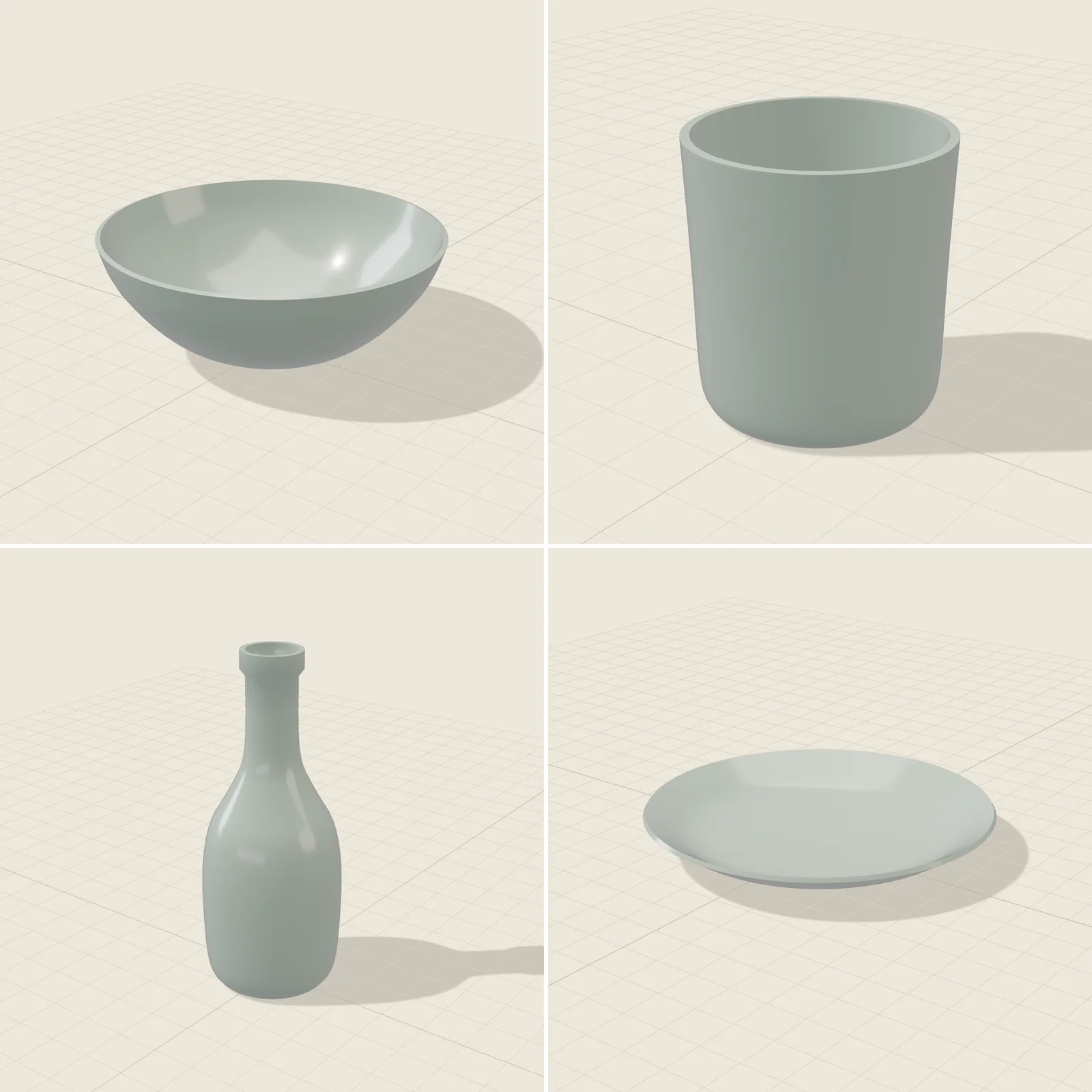
Vase, bowl, cup, bottle, plate and base get you most of the way in one click.
04
Export GLB, glTF or OBJ in meters, centimeters or millimeters, with PBR material settings.
05
Everything runs in your browser. Your shapes never leave your computer.
06
Send a link and it opens HAS Lathe with your exact design.
Design and direction: Hector Augusto Santizo
Collection: HAS Tools
Price: Free
Cinema 4D
Blender
Unreal Engine
Product mockups
GLB, glTF, OBJ
Units: m, cm, mm
Materials: PBR settings
HAS LP-19 →